 Liveleaf
Opens what AI builds
Reports, dashboards, charts, calculators, study notes, travel plans. If an AI tool gave you an HTML file, Liveleaf shows it the way it was meant to look.
Scripts and interactions work, so sliders slide and charts redraw.
Liveleaf opens the HTML files that ChatGPT, Claude, Gemini and other AI tools create, right on your iPhone and iPad. Dashboards, calculators and reports stay interactive, run offline, and stay private.
Coming soon to the App StoreFree of tracking. Requires iOS 18 or later.
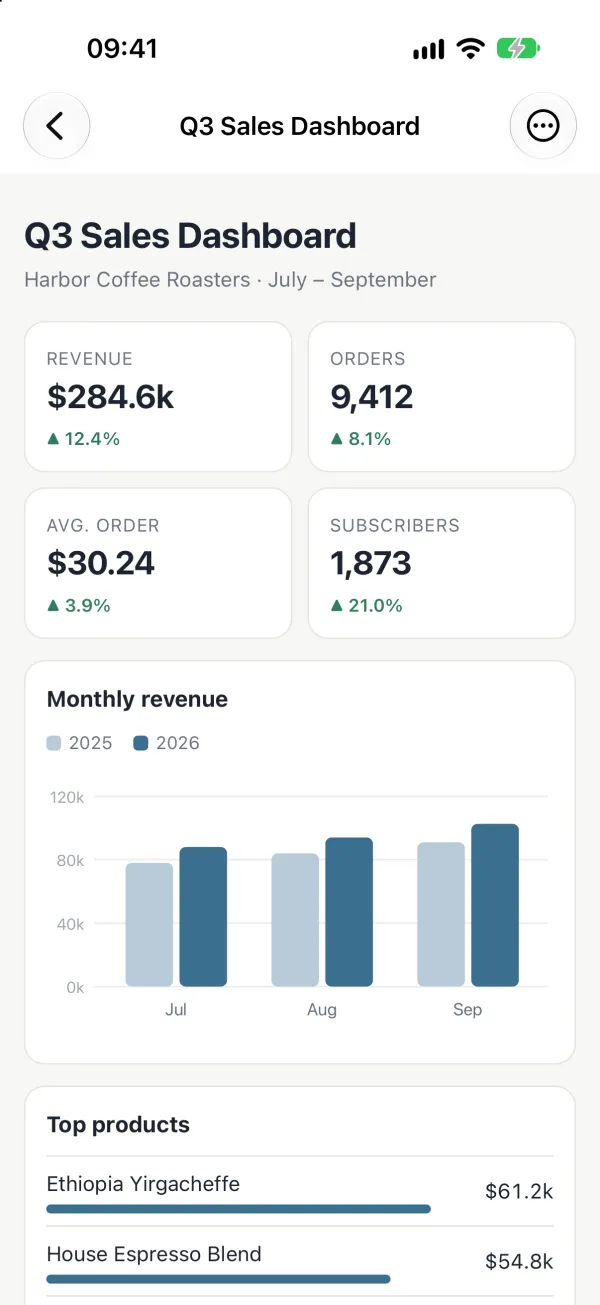
Reports, dashboards, charts, calculators, study notes, travel plans. If an AI tool gave you an HTML file, Liveleaf shows it the way it was meant to look.
Scripts and interactions work, so sliders slide and charts redraw.
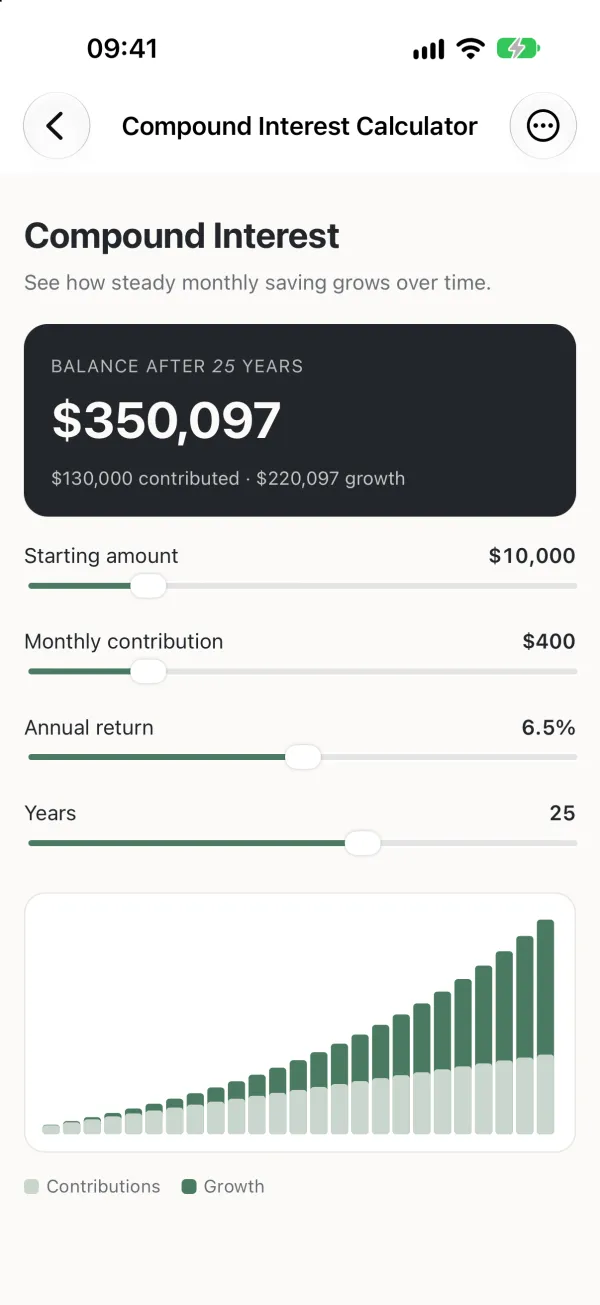
Every file runs in its own sandbox with the network turned off. Nothing leaves your device unless you say so.
When a page wants to load fonts, images or data from the internet, Liveleaf asks first. Allow it once for that page, or keep reading offline.

Your recent files are kept on the device, ready to reopen. Find text on a page, export it as a PDF, or share the original file.
Links you tap open in Safari. Files a page generates, like a CSV export, go to the share sheet.
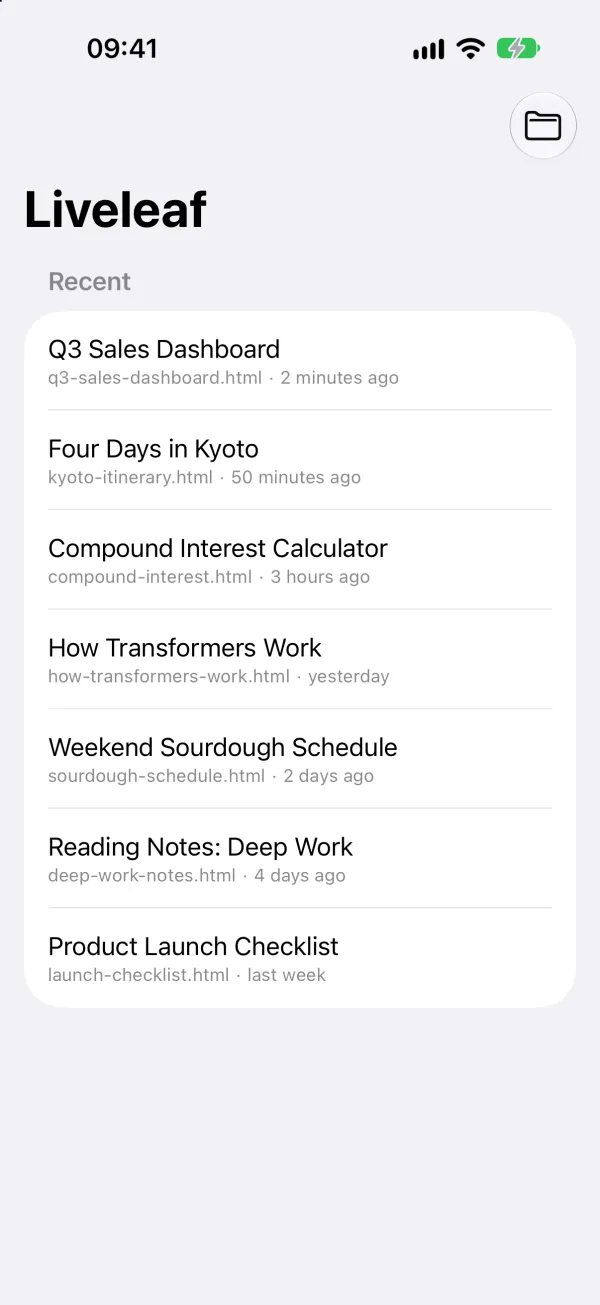
Any tool that gives you an HTML file, including ChatGPT, Claude, Gemini, Grok and coding agents. Save the file, then open it in Liveleaf.
No. Pages run offline by default. If a page wants to load something from the internet, Liveleaf asks first, and you can allow it for that page.
No. There are no accounts, analytics or ads. Your files stay on your device. See the privacy policy.
Single-file HTML documents (.html and .htm), including their CSS and JavaScript.